Display Client
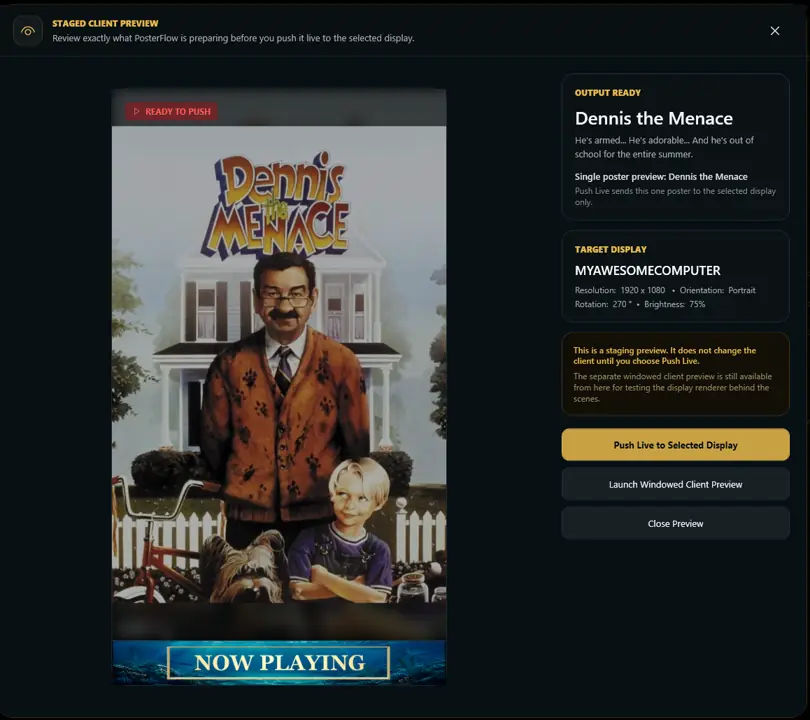
The Display Client is the part of PosterFlow that shows poster artwork on a screen. The Admin Console controls what should be shown; the Display Client is the output window users actually see.
Common setup
- Use the Admin Console to configure library, provider mode, schedules, personalization, and display behavior.
- Use the Display Client for the actual poster output.
- For multi-monitor setups, confirm which physical monitor should act as the primary poster display.
- If using multiple screens, configure the parent display first, then adjust child display behavior.
Parent and child displays
PosterFlow supports a primary display and additional child display windows in supported builds. This is useful when one screen acts as the main poster panel while extra screens show coordinated or related poster output.
Orientation and rotation
Use rotation settings when your display is mounted vertically or physically rotated:
0°normal orientation90°rotated clockwise180°upside down270°rotated counterclockwise
Portrait and landscape layouts
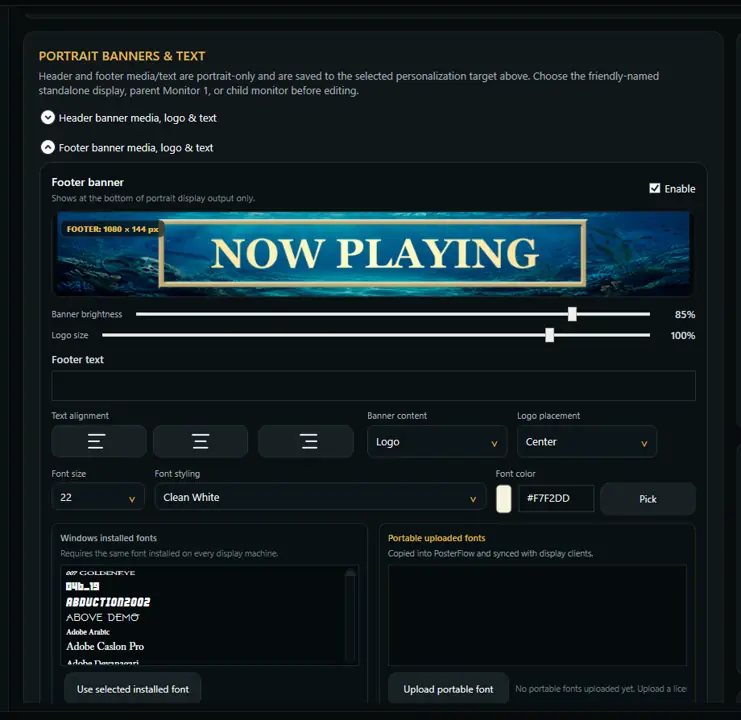
PosterFlow can be used with portrait or landscape displays. Portrait layouts are common for movie-poster style panels. Landscape layouts can work well for dashboards, wide screens, or preview displays.
When to use Push Live
Use the live/push workflow when you want the Display Client to reflect the current Admin Console configuration. If the Display Client does not update, check that it is running and that the selected monitor/display configuration is correct.