PosterFlow docs and setup support.
Setup notes, feature guides, troubleshooting, release details, and support guidance for PosterFlow users.

Start here
Install and activate Download PosterFlow, run the Windows installer, activate Early Access, and open the Admin Console.
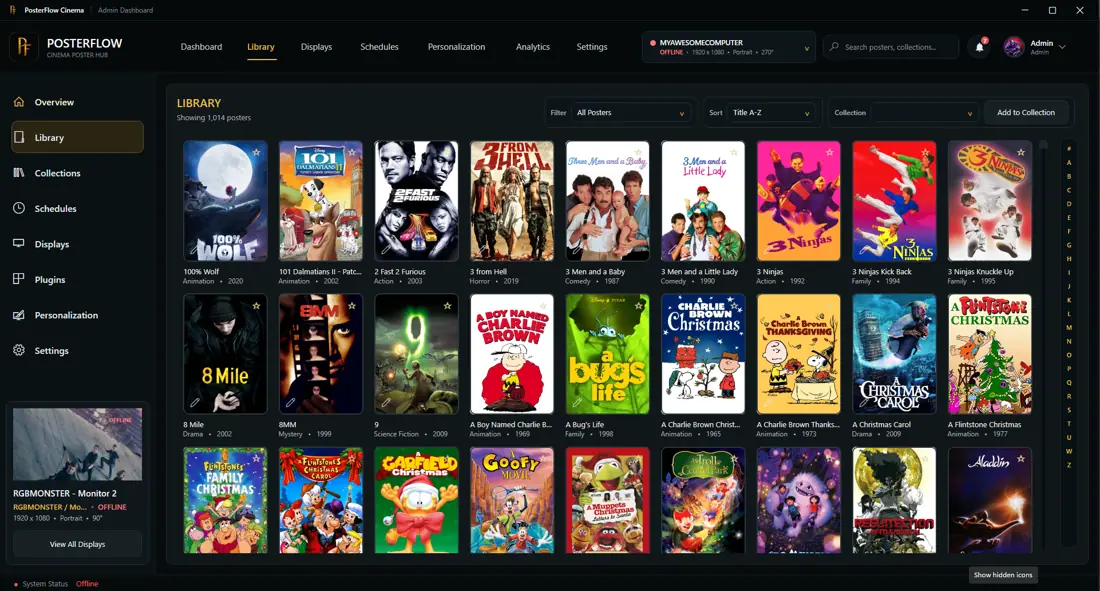
Build your library Add poster artwork, browse the library, use favorites and collections, and organize what appears on your displays.
Configure displays Use the Display Client for poster output, including multi-monitor setups, orientation, and layout behavior.
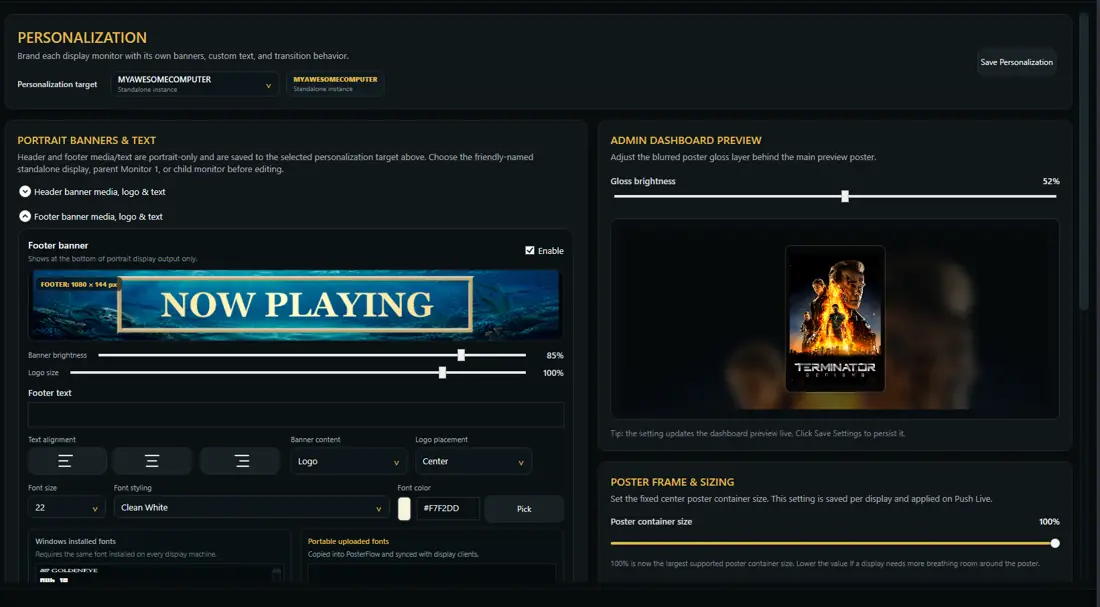
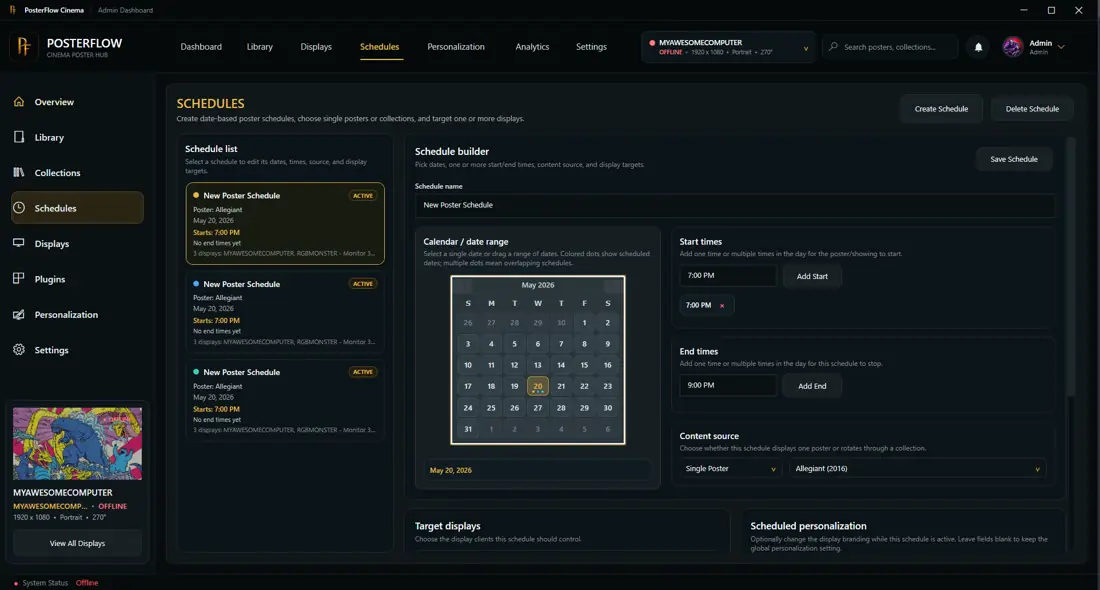
Customize the experience Adjust banners, text, brightness, info bars, poster size, transitions, schedules, and plugin-backed metadata.
Common docs paths
Install PosterFlow and understand the first-run setup flow.
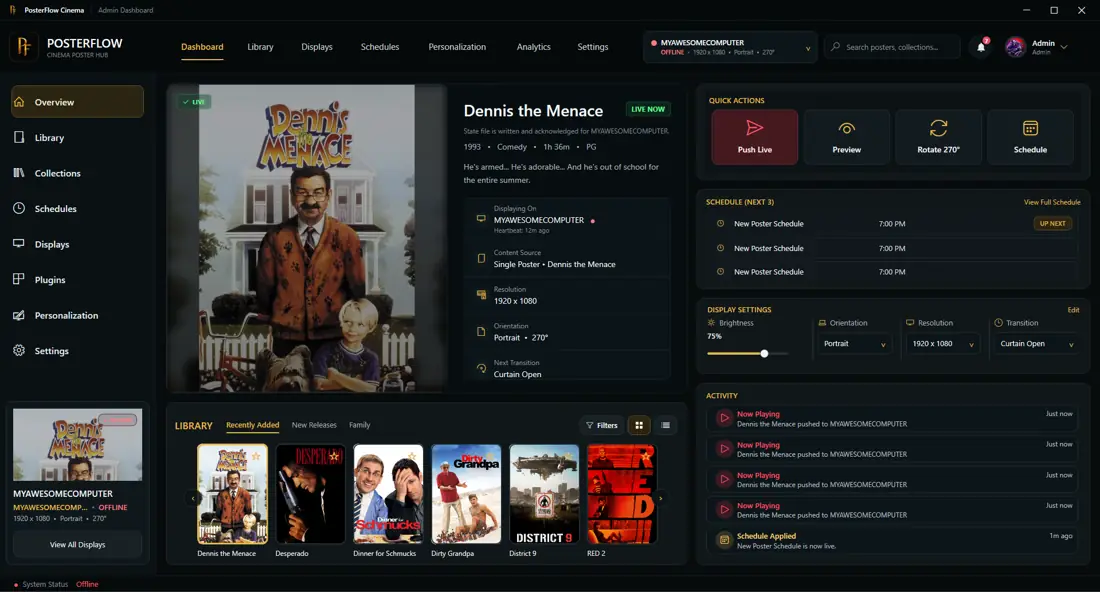
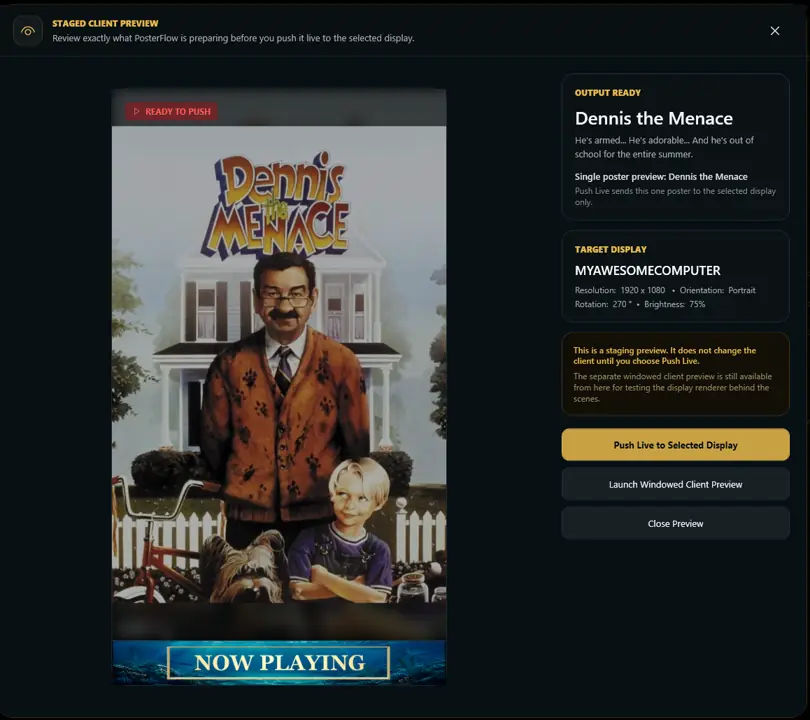
InstallationOpen the Admin Console, add posters, choose settings, and push content live.
First RunConfigure the screen used for poster output and multi-monitor setups.
Display ClientFix common activation, display, update, and metadata issues.
TroubleshootingFeatured product areas